When Apple released Xcode 26.3 in February 2026, it quietly changed what was possible for those of us who think in systems and experiences rather than syntax. The update introduced deep integration with Anthropic's Claude Agent SDK and OpenAI's Codex, enabling what Apple calls "agentic coding". AI that doesn't just suggest the next line, but autonomously creates files, writes code, runs builds, inspects previews, and fixes its own errors directly inside the IDE.
I wanted to find out what that actually meant for someone who has never written a line of Swift in their life.
SteadyState Vital Logs is available on the App Store. Built with SwiftUI, SwiftData, and Anthropic's Claude Agent SDK in Xcode 26.3.
The App
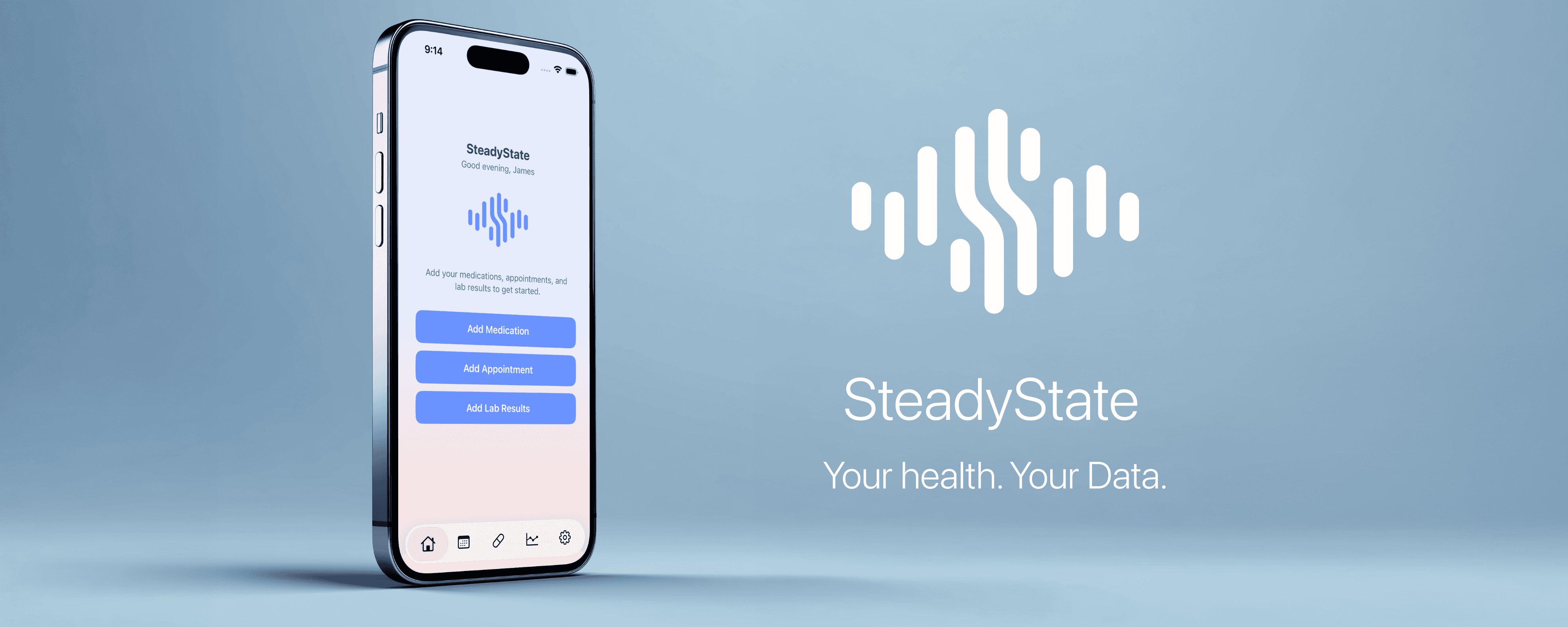
SteadyState is a private, local-first iPhone health tracking app. It manages medications and reminders, logs medical appointments with notes, and visualizes lab work trends over time. All data lives exclusively on the device: no backend, no accounts, no data sharing.
The name reflects the intended experience. Managing chronic health is less about sudden improvement and more about maintaining balance: medications taken reliably, labs within target ranges, and a trustworthy record of care over time.
Three weeks after the first prompt, SteadyState is live on the App Store.
A Starting Point
As a UX designer with over 20 years of experience (with a background that spans product management as well) I understand systems, user flows, edge cases, and what makes an interface feel trustworthy. What I did not have was Xcode experience, Swift knowledge, and minimal prior app development background. This was my first time opening Xcode.
My motivation was equal parts personal (I needed a useful app) and professional curiosity. I wanted to understand what agentic AI Xcode tooling actually meant in practice, not in theory.
The Process:
PRD First, Code Second
Before a single prompt went to Xcode, I spent significant time with Claude.ai building a detailed Product Requirements Document. This was not a casual brief. Over multiple sessions we defined data models, notification logic, edge cases, accessibility requirements, error handling, LOINC codes for lab analyte standardization, time zone behavior, iCloud sync conflict resolution, and a 16-phase build roadmap.
The PRD became the foundation that made everything else possible. Rather than asking Claude Agent to build an app, I was asking it to execute a specification.
The build strategy was deliberate: feed Claude Agent one phase at a time, in sequence. Each phase had a clear deliverable. After each phase completed I tested in the simulator, committed to GitHub, and only then requested the next prompt. This approach prevented the AI from running ahead without direction and gave me natural checkpoints to catch issues before they compounded.
Before each phase I also uploaded screenshots and mockups into Claude.ai (not directly into Xcode) to translate visual intent into precise prompts. This was the hardest part of the workflow. Communicating UI without being able to hand off a Figma file meant describing spacing, hierarchy, and interaction in language precise enough for an AI to interpret correctly. Twenty years of UX vocabulary turned out to be the most valuable tool in the process.
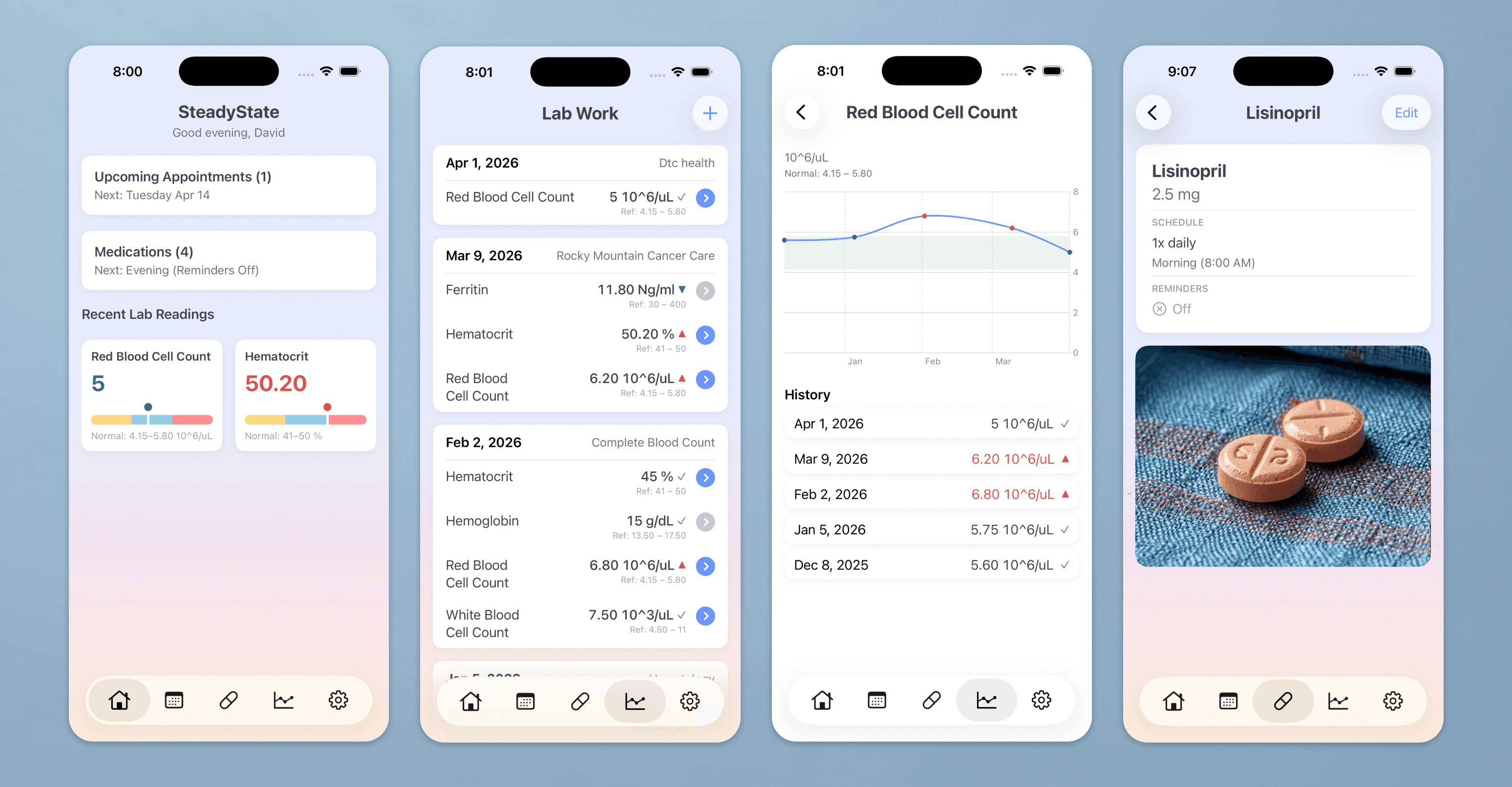
Above: An example of SteadyState scrrens
What Claude Agent Did
Inside Xcode 26.3, Claude Agent had access to the full project. It could read file structures, search Apple documentation, trigger builds, capture SwiftUI Previews, inspect errors, and iterate all without leaving the IDE.
In practice this meant describing a feature in plain language and watching the agent create the files, write the relationships, wire the notifications, and fix the build errors it introduced along the way. Phases that would have taken a junior developer days took hours.
The stepped approach also meant that when something went wrong (and things went wrong) the scope of the problem was contained to one phase.
The Wall
The closest I came to abandoning the project was a production upload failure that cascaded into an app crash. Two separate issues had compounded: a corrupted entitlements file containing an invalid image URL in the iCloud services array, and a CloudKit container that had never been provisioned in the Apple Developer portal despite the code expecting it.
Neither issue was visible in the app during simulator testing. Both only surfaced at the point of App Store submission.
The fix required understanding what an entitlements file is, what CloudKit provisioning means, and why a SwiftData model container initialization failure produces the specific error it does. Claude.ai walked through each issue methodically: identifying root causes, explaining why they occurred, and providing the exact configuration changes needed. The resolution was to clean the entitlements and explicitly disable CloudKit sync until a container is properly provisioned, making the app fully local-only as designed.
It was solvable. But it required patience, the right questions, and trusting the diagnostic process.
What Surprised Me
The phased prompting approach worked better than I anticipated. Breaking a complex PRD into 16 sequential phases (each with a clear deliverable and a commit gate) gave the process a rhythm that felt manageable rather than overwhelming. It also meant that Claude Agent's context was always focused on one thing rather than trying to hold an entire app in its working memory.
The other surprise was how much my UX background accelerated the work. Writing a PRD that anticipated edge cases, defined data model relationships, and specified error states gave Claude Agent the context it needed to make good decisions autonomously. The quality of the output was directly proportional to the quality of the specification.
What It Means
Agentic coding does not replace developers. The entitlements crisis made that clear; understanding what went wrong required conceptual knowledge that no prompt can substitute for. Developer expertise remains essential.
What agentic coding does do is compress the distance between a well-formed idea and a working product. For a designer with domain expertise, clear thinking about systems, and the patience to write precise specifications, the barrier to building is now lower than it has ever been.
SteadyState took three weeks of spare time. It is on the App Store. I did not write a single line of code.
That is new.
App Specifications
Platform iOS 17+, iPhone. Built with Swift and SwiftUI using Apple's native framework stack.
Data & Privacy All health data is stored exclusively on-device using SwiftData. No data is transmitted to any external server operated by the app. There is no user account, no analytics, no advertising. The app is local-only by design; deleting the app permanently removes all data unless the user opts to back-up to iCloud.
APIs The only outbound network calls are read-only lookups against two free public APIs operated by the US National Library of Medicine:
RxNav: medication name autocomplete and dose strength suggestions
DailyMed: physical pill description data (shape, color, imprint)
No personal health information is included in any API request. Only the drug name or standard drug code is transmitted as a search query.
Notifications Local notifications only, scheduled on-device via Apple's UNUserNotificationCenter. No push notification server. Notification content is intentionally generic — no medication names or provider details appear on the lock screen, preserving privacy when the phone is visible to others.
Security Data is encrypted at rest by iOS hardware encryption whenever the device is locked. iCloud backup is opt-in and off by default — the user chooses during onboarding whether their data is included in device backups.
Design System Built to Apple's Human Interface Guidelines throughout. Typography uses SF Pro exclusively via SwiftUI system font styles, supporting Dynamic Type for accessibility. The color system defines named assets with light and dark mode variants. All interactive elements meet the 44×44 point minimum tap target requirement. The lab work chart implements Apple's accessibility chart descriptor standard, allowing VoiceOver users to hear trend data audibly. Status indicators use both color and symbol shape to meet contrast and colorblindness requirements.
Lab Data Lab analyte tracking uses LOINC codes (Logical Observation Identifiers Names and Codes): the international standard for identifying medical laboratory tests to ensure consistent history regardless of how a test name is entered.
SteadyState is available on the App Store. Built with SwiftUI, SwiftData, and Anthropic's Claude Agent SDK in Xcode 26.3.


