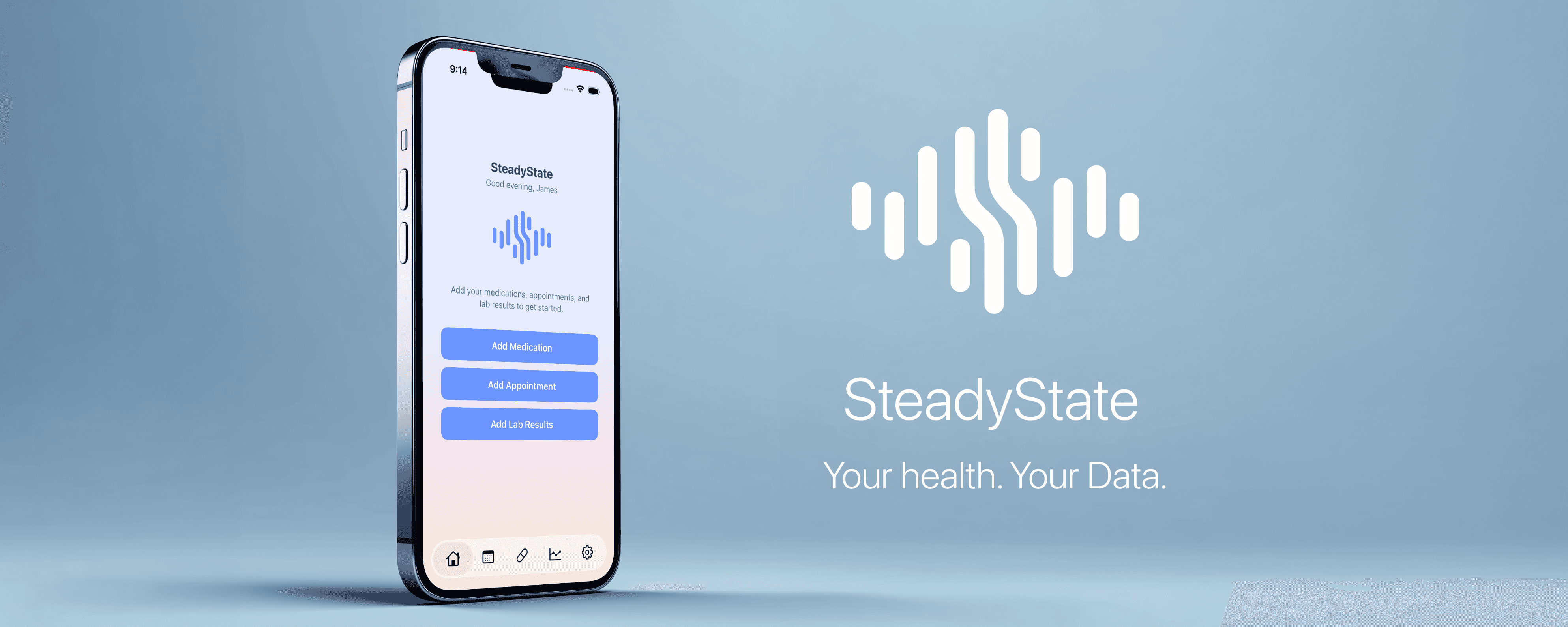
Managing a chronic condition means keeping track of a lot — medications and schedules, lab results that need watching, appointments with specialists you see every few months. Most health apps want your data. SteadyState keeps it where it belongs: on your device, private, and entirely under your control.
What SteadyState tracks:
Medications — Add your medications, set daily or weekly schedules, and get reminders when it's time to take them. One notification per time slot, never a flood of alerts. Set an end date for short courses and the app archives them automatically when the course is done.
Appointments — Log every visit with your provider and doctor. Take notes during the appointment in a clean full-screen editor. Review past visits by year. Never lose track of what was said, what was changed, or what comes next.
Lab Work — Enter your results and watch your trends over time. Each analyte builds its own history chart the moment you have two readings. Reference ranges show visually where your values sit — within range, above, or below. Lab test names follow international LOINC standards so your history stays consistent no matter how you type them.
Built around privacy:
SteadyState does not connect to your doctor, your pharmacy, your insurance, or any third party. It does not have a server. It does not have an account. It does not transmit your health data anywhere.
The only outbound requests the app makes are anonymous read-only lookups against the US National Library of Medicine — for medication name suggestions and dose information. No personal data is ever included in these requests.
All your information lives in the app's private storage on your iPhone, encrypted by iOS hardware encryption whenever your device is locked. If you delete the app, your data is gone. No copies. No backups on someone else's server.
iCloud backup is available as an opt-in choice during setup — you decide.
Designed for the long game:
SteadyState is not a wellness app. It is not for people tracking steps or water intake. It is for people who are in it for the long haul — managing medications that don't change, watching lab numbers that need to stay in range, and building a private record of their care over time.
The name reflects the goal. Not a cure. Not a crisis. Just steady.
The Privacy Policy
SteadyState is built on the principle: your health data belongs to you. This privacy policy explains what information the app handles, where it stays, and what we do with it. The short version: we don't collect anything. Your data never leaves your device unless you choose to back it up through your personal iCloud account.
Data Storage
All health information you enter into SteadyState — including medications, dosages, schedules, appointment notes, provider information, and lab results — is stored exclusively in the app's private storage on your iPhone.
No data is transmitted to any server operated by SteadyState or its developer. There is no database, no backend, and no account associated with your use of this app.
Data We Do Not Collect
SteadyState does not collect, store, or transmit:
Your name or any personally identifying information
Your health records, diagnoses, or medical history
Your medication list or dosage information
Your appointment history or provider information
Your lab results or any clinical data
Your location
Your device identifiers
Usage analytics or behavioral data
Crash reports or diagnostic data sent to the developer
API Requests
The only outbound network requests made by SteadyState are anonymous, read-only lookups against two public APIs operated by the United States National Library of Medicine:
RxNav — used to suggest medication names and dose strengths when you add a medication. Only the text you type in the search field is transmitted as a query parameter. No personal information is included.
DailyMed — used to retrieve physical pill description data (shape, color, imprint) associated with a selected medication. Only a standard drug identifier code is transmitted. No personal information is included.
These requests are equivalent to searching a public medical database. No account is required, no data is stored by the NLM on your behalf, and SteadyState receives only the search results you requested.
Encryption
Your data is protected by iOS hardware encryption whenever your device is locked. This is provided by Apple's Data Protection framework and applies automatically to all data stored by SteadyState.
All API requests use HTTPS, enforced by iOS App Transport Security.
iCloud Backup
iCloud backup is entirely optional and off by default. During onboarding you are given a clear choice:
Enable iCloud Backup — your SteadyState data is included in your personal encrypted iCloud backup. This backup is controlled by your Apple ID and Apple's iCloud terms of service. SteadyState has no access to your iCloud backup.
Keep on Device Only — your data never leaves your iPhone through SteadyState. If your device is lost or replaced without a backup, the data cannot be recovered.
You can change this preference at any time in Settings.
If you choose to enable iCloud backup and a data conflict occurs (for example when restoring to a new device), the most recently saved version of your data is kept automatically.
Data Deletion
Deleting SteadyState from your iPhone permanently and irreversibly removes all data stored by the app on your device. There is no account to delete and no data stored elsewhere to request removal of.
If you have enabled iCloud backup, your iCloud backup data is managed through your Apple ID settings and is not affected by deleting the app. You can remove iCloud backup data through your iPhone's iCloud settings.
Children's Privacy
SteadyState is not directed at children under the age of 13 and does not knowingly collect any information from children.
Changes to This Policy
If this privacy policy changes in a material way, the updated policy will be made available at this URL and the effective date will be updated. Continued use of the app after a policy change constitutes acceptance of the updated terms.
Contact: Apps@dannyvigil.com
SteadyState: Vital Logs is an independent app. It is not affiliated with, endorsed by, or connected to any healthcare provider, insurance company, pharmaceutical company, or medical institution.